

HDMI cables have long been the standard for connecting devices to TVs and projectors, but their limitations are becoming more apparent. Wireless HDMI alternatives like Chromecast, AirPlay, and Miracast offer convenient ways to stream content without the hassle of cables.
Why Look for HDMI Alternatives?
HDMI cables, while reliable, come with several drawbacks. They restrict mobility, create visual clutter, and often require additional adapters for different devices. As our homes become more connected, the demand for wireless solutions is growing.
Find Original Home Decor sparking conversation at Grand Goldman Shop.

Fortunately, technology has advanced to provide viable alternatives that can replace HDMI in many scenarios. These solutions not only reduce cable clutter but also offer greater flexibility and ease of use.
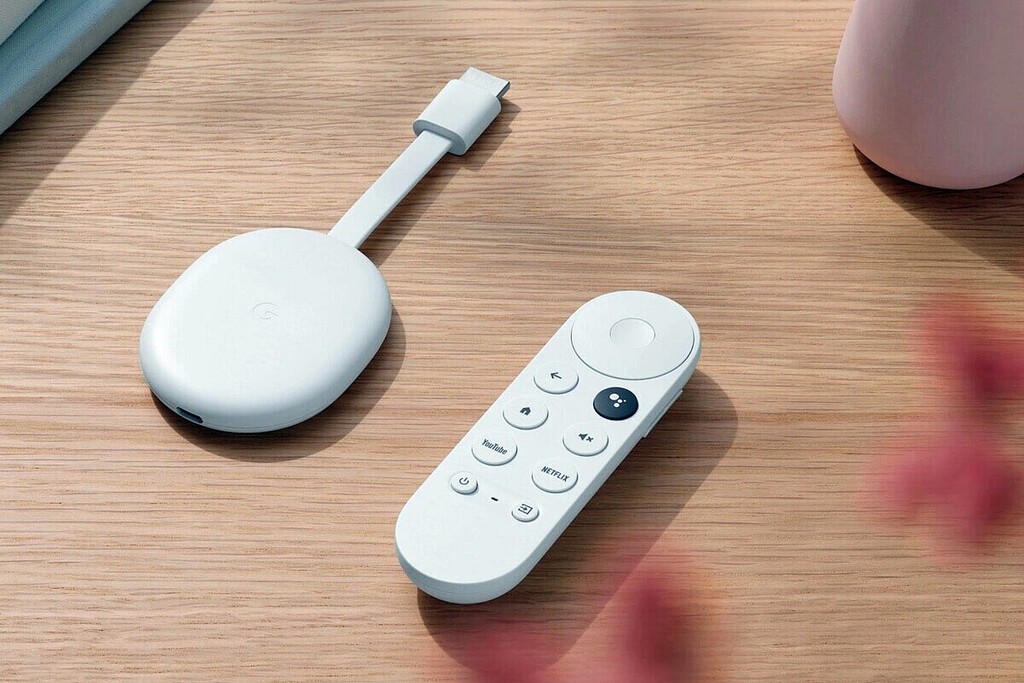
Popular Wireless HDMI Alternatives
Google Chromecast
Chromecast is one of the most popular streaming devices, backed by Google. It allows you to cast content from your phone, tablet, or computer to your TV. While the classic Chromecast requires an HDMI port, it enables wireless casting from your devices, eliminating the need for a direct cable connection between your phone and TV.
Many modern TVs come with Chromecast built-in, so you don't need a separate device. This integration makes it easy to stream videos, music, and photos directly to your TV.
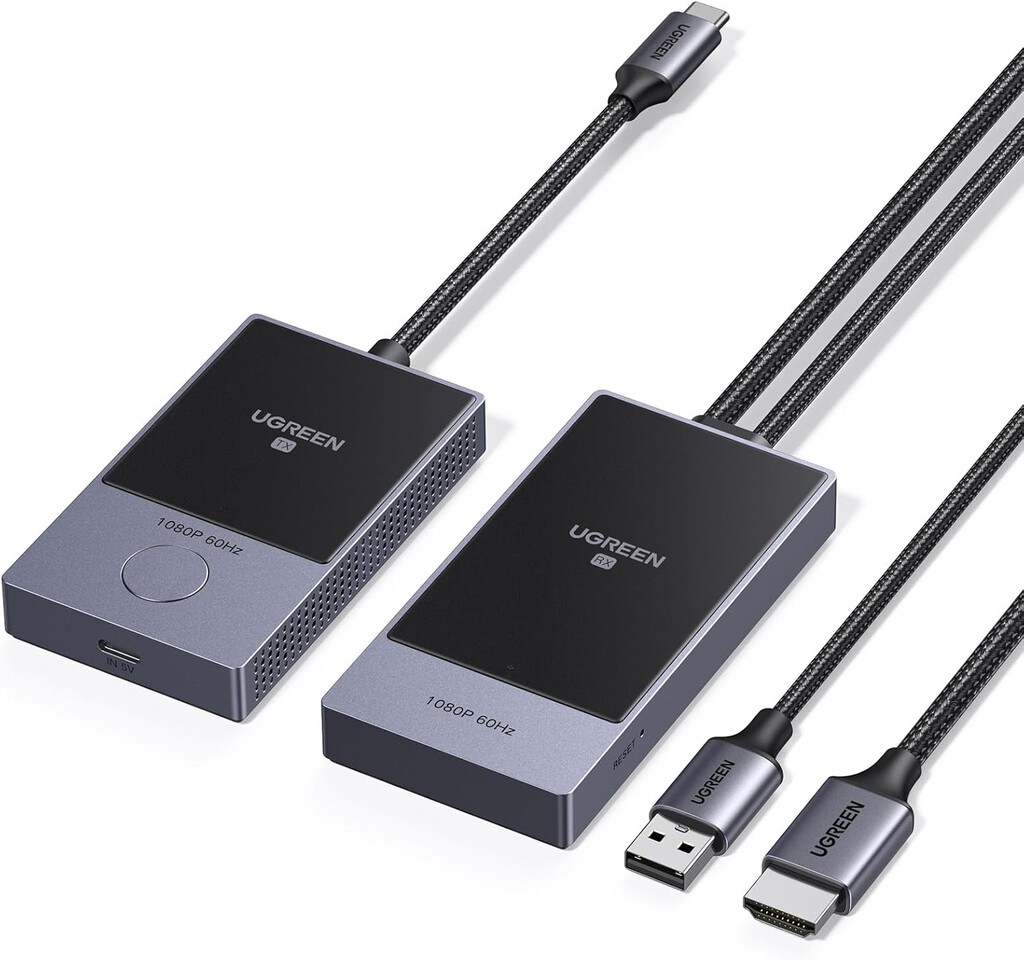
Apple AirPlay
AirPlay is Apple's wireless streaming protocol, available on Apple devices and many smart TVs. It allows you to mirror your screen or stream content from your iPhone, iPad, or Mac to an Apple TV or AirPlay-compatible TV.
AirPlay is known for its seamless integration with the Apple ecosystem and high-quality streaming. It supports both video and audio, making it a versatile alternative to HDMI for Apple users.
Miracast
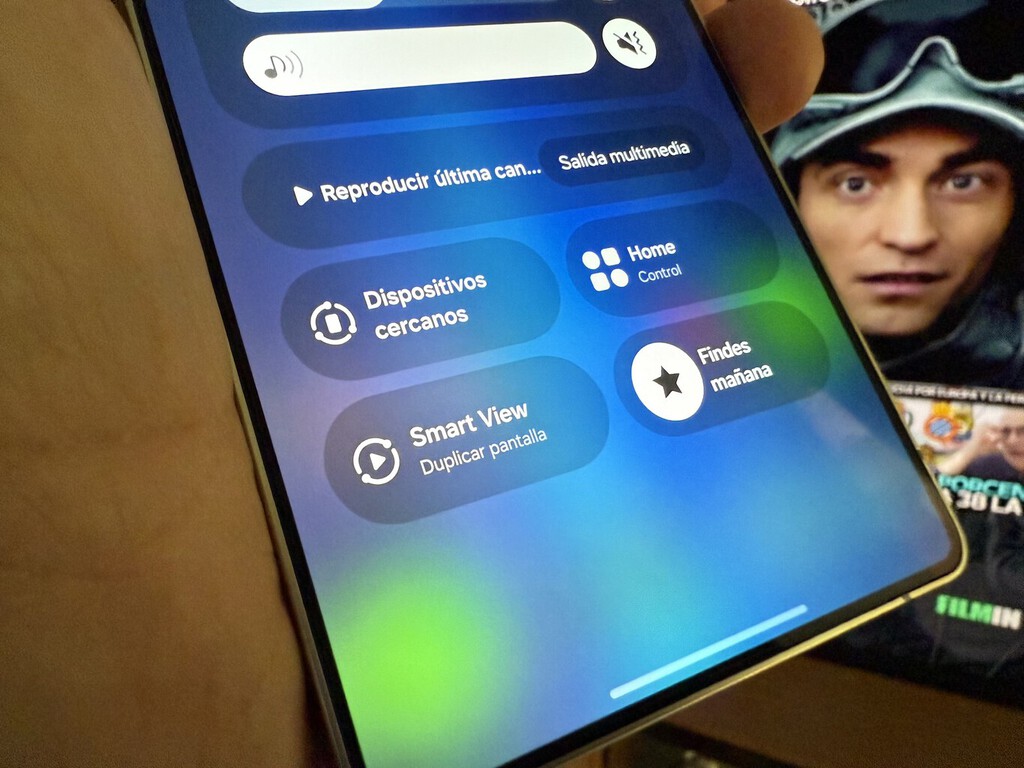
Miracast is a wireless standard that enables screen mirroring from compatible devices to TVs and projectors. Often referred to as "Duplicate Screen" or "Smart View" on Samsung devices, Miracast is built into many Windows and Android devices.
Unlike Chromecast and AirPlay, Miracast doesn't require a network connection; it creates a direct Wi-Fi connection between devices. This can be advantageous in environments with poor network connectivity. The background to this story is set out in Looking Forward to Connecting: 22 Better Ways to Say It — Explained. A related thread runs through Technology: latest articles. Earlier coverage in US Ban on DJI Drones Leaves 8,000 American Pilots in Crisis shows how the argument developed.
Comparison of Wireless HDMI Alternatives
| Feature | Chromecast | AirPlay | Miracast |
|---|---|---|---|
| Developer | Apple | Wi-Fi Alliance | |
| Compatibility | Android, iOS, Windows, macOS | Apple devices only | Windows, Android |
| Network Requirement | Wi-Fi network | Wi-Fi network | Direct Wi-Fi connection |
| Built-in TV Support | Yes (many models) | Yes (many models) | Yes (many models) |
Key Takeaways
- Wireless HDMI alternatives like Chromecast, AirPlay, and Miracast reduce cable clutter and increase flexibility.
- Chromecast and AirPlay are backed by Google and Apple, respectively, and are widely integrated into smart TVs.
- Miracast offers direct device-to-device connection without needing a network.
- Each solution has its own compatibility and use cases, so choose based on your devices and needs.
- These alternatives are ideal for streaming and mirroring content, but may not fully replace HDMI for high-bandwidth or low-latency applications.
What to Consider When Choosing an HDMI Alternative
When selecting a wireless HDMI alternative, consider the devices you own and the content you want to stream. If you're in the Apple ecosystem, AirPlay is a natural choice. For Android or cross-platform users, Chromecast offers broad compatibility. A closer look at the same subject appears in Browser AI Hype Fades as Vertical Tabs and Split Screen Win Users. Anyone following the wider picture can start with Framework's New Wireless Touchpad Keyboard for HTPC and Raspberry Pi. The same theme surfaces in Mobile Phone Effects on Kids' Mental Health Shift at Age 16, which takes a different angle.
Miracast is useful for Windows and Android users who need screen mirroring without a network. However, keep in mind that wireless solutions may have latency issues or bandwidth limitations compared to a physical HDMI cable, so they might not be suitable for gaming or high-definition video editing. Context on how this played out before sits in 5 Must-Have MagSafe Accessories for Your iPhone 17e. A companion piece, HDMI Alternatives: Wireless Screen Casting Solutions to Replace Cables, approaches the same subject from another angle.
FAQ
Can wireless HDMI alternatives replace HDMI entirely?
Wireless alternatives can replace HDMI for many streaming and mirroring tasks, but they may not match the reliability and bandwidth of a physical cable. For critical applications like gaming or professional video work, HDMI is still preferred.
Do I need a smart TV to use these alternatives?
Not necessarily. Devices like Chromecast and Apple TV can add smart features to any TV with an HDMI port. However, many modern TVs have these technologies built-in, eliminating the need for extra devices.
Which alternative is best for screen mirroring from a Windows laptop?
Miracast is a good choice for Windows laptops as it's built into Windows 10 and 11. Chromecast can also mirror your screen via the Chrome browser, but Miracast offers a more direct connection.
Are there any latency issues with wireless HDMI?
Yes, wireless solutions can introduce latency, especially when streaming high-definition content. For real-time applications like gaming, a wired HDMI connection is generally more responsive.
While HDMI cables are not going away anytime soon, wireless alternatives provide convenient ways to reduce clutter and enhance flexibility in your home entertainment setup. By understanding the strengths and limitations of each option, you can choose the best solution for your needs.
Browse the Shop
 Acacia frida deluxe solid wood bed frame |
Bedroom bench |
Bed chest drawers |
Lingerie dresser |
Frame base |
Mirror with jewelry storage |
30 Bathroom Vanity |
Memory foam queen mattress |
Mattresses for back pain |
Nightstand set of 2 |
Grand Goldman Shop |
Civil Lawyer
Deutschland Trikot WM 2026







