

If your hard drives keep disconnecting randomly, the culprit is often a USB hub power shortage, not the drive itself. Unpowered hubs draw limited current from your computer's port, and when multiple devices compete for that power, drives can drop offline—risking data loss.
USB hubs are convenient accessories that turn one port into several. They're cheap, small, and available in various shapes. But bus-powered models have a critical limitation: they rely entirely on the host port's power output.
Find Original Home Decor sparking conversation at Grand Goldman Shop.

Why USB Hub Power Matters for Hard Drives
A standard USB 3.0 port supplies up to 900 mA (0.9 A). That power must be shared between the hub's own circuitry and all connected devices. A single mechanical hard drive typically needs 500–900 mA just to spin up, so adding more peripherals quickly exceeds the available current.
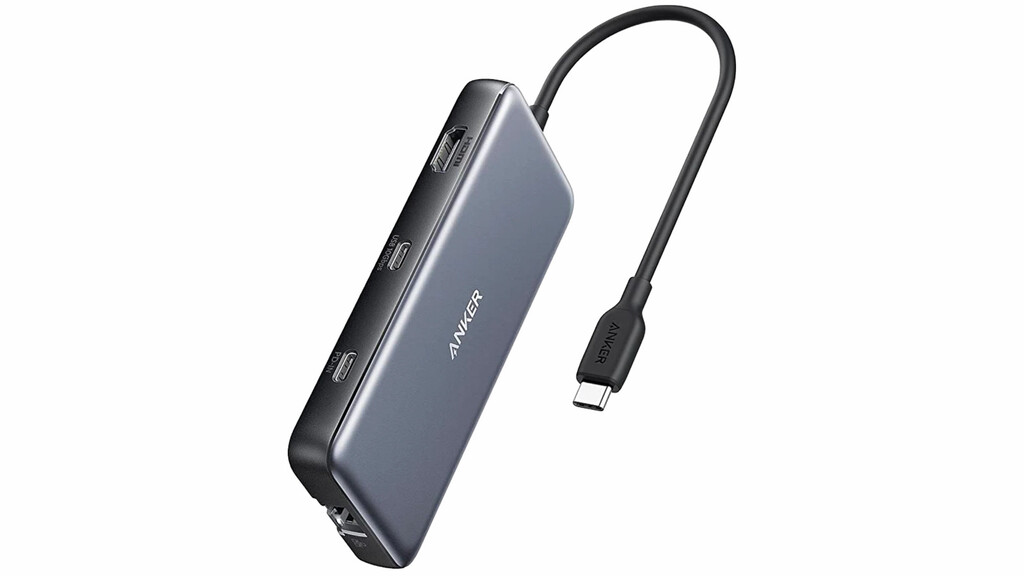
When the demand surpasses the supply, the hub or the drive may shut down temporarily. This causes the random disconnects you see. Solid-state drives use less power, but they can still be affected if the hub is overloaded.
Signs Your USB Hub Is Underpowered
Not sure if power is the issue? Watch for these red flags:
- Drives disconnect when you plug in another device.
- External drives make clicking noises or spin up repeatedly.
- Devices work fine when connected directly to the PC.
- The hub feels warm or hot to the touch.
- You experience data corruption or file system errors.
These symptoms point to insufficient power delivery, especially if they occur under load.
Powered vs. Unpowered Hubs: What to Choose
The solution is simple: use a powered hub with its own power adapter. This ensures each port gets enough current without draining your computer's port. Here's a comparison:
| Feature | Unpowered Hub | Powered Hub |
|---|---|---|
| Power Source | Computer port (max 900 mA) | External adapter (often 2–5 A) |
| Max Devices Supported | 2–3 low-power devices | 4–7 high-power devices |
| Hard Drive Reliability | Poor (random disconnects) | Excellent (stable power) |
| Price | Lower | Higher |
| Best For | Mice, keyboards, flash drives | External HDDs, SSDs, printers |
For any setup involving external storage, a powered hub is non-negotiable. The extra cost is minimal compared to losing important files.
How to Prevent Hard Drive Disconnects
Start by checking your hub's power rating. If it's bus-powered, replace it with a powered model that offers at least 2 A per port. Also, avoid daisy-chaining hubs and keep high-power devices on separate ports when possible.
Another tip: use the shortest, highest-quality USB cable you have. Cheap cables can cause voltage drops, exacerbating power issues. And always eject drives safely before unplugging to avoid corruption. The background to this story is set out in Why Millions of Working Hard Drives Are Destroyed Annually. A related thread runs through MediaMarkt Deals: Save on Nintendo Switch 2, Hard Drives. Earlier coverage in My (and every worker's) worst nightmare come true: The unexpected solution I found in hard drive data recovery shows how the argument developed.
Top Powered USB Hub Recommendations
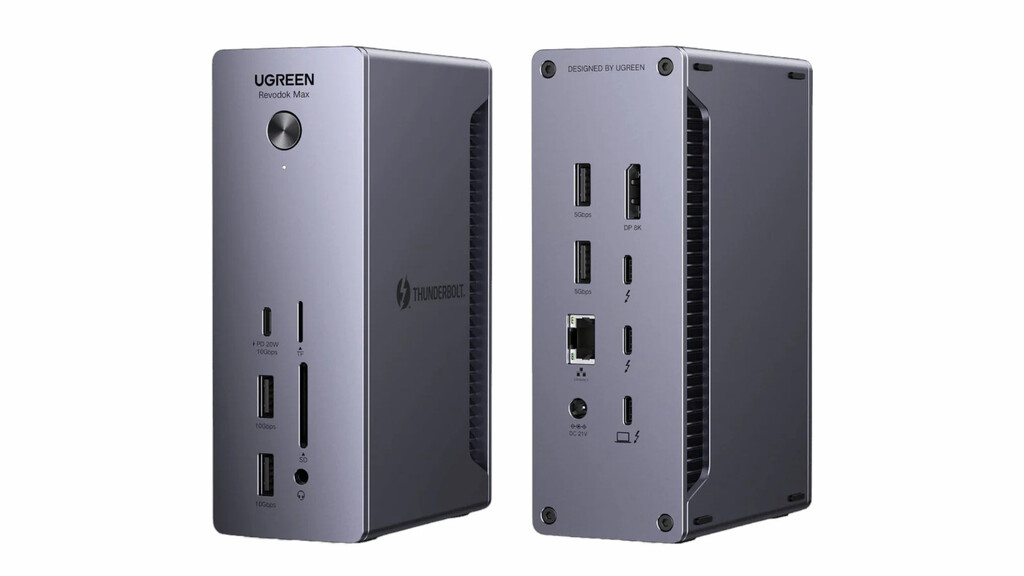
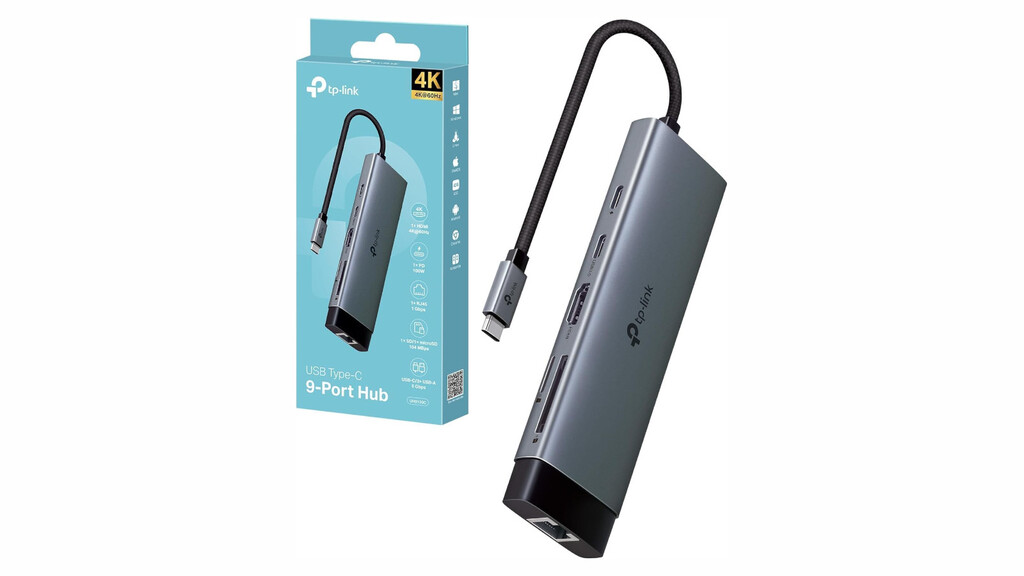
When shopping for a powered hub, look for models with a dedicated power adapter and individual port protection. Brands like Anker, Sabrent, and TP-Link offer reliable options. Ensure the hub supports USB 3.0 or higher for faster transfer speeds and better power management. A closer look at the same subject appears in 10 Best Hard Drive Shredders for Secure Data Destruction. Anyone following the wider picture can start with Wired Headphones Are Back: The Fashion Accessory That Disconnects. The same theme surfaces in 10TB Western Digital Elements Desktop Hard Drive Deal at MediaMarkt, which takes a different angle.
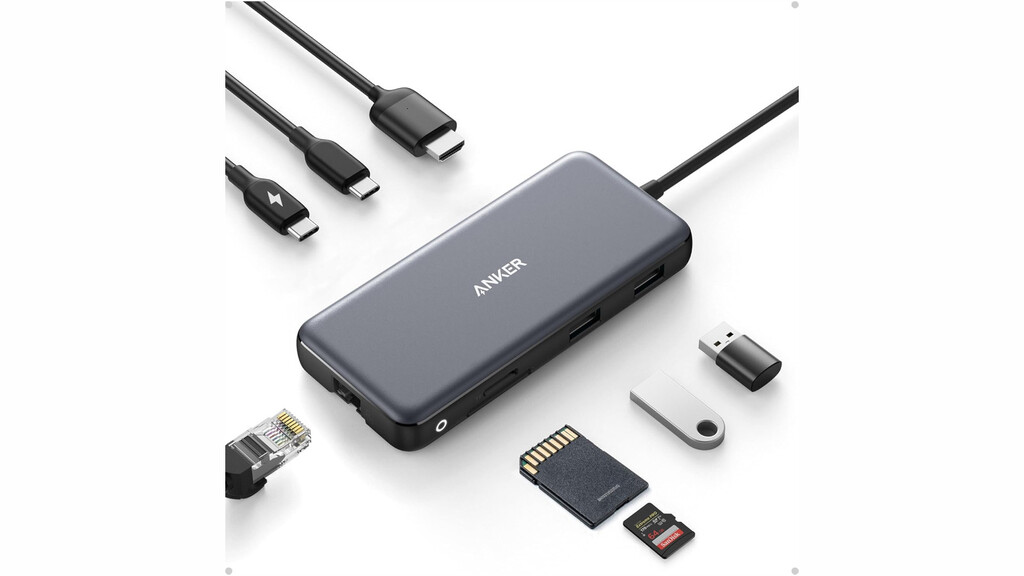
Consider the number of ports you need and whether you require features like fast charging or Ethernet. A good powered hub will have a clear power input and a robust build. Context on how this played out before sits in Seagate One Touch 20TB Portable Hard Drive Hits Lowest Price. A companion piece, Seagate 2TB PS5 Hard Drive Drops to $120.89 in Prime Day Sale, approaches the same subject from another angle.
FAQ
Why do my hard drives disconnect randomly?
Random disconnects are usually caused by insufficient power from an unpowered USB hub. When multiple devices draw more current than the port can supply, the drive loses power and disconnects.
Can a USB hub damage my hard drive?
A low-power hub itself won't damage the drive, but frequent power loss can lead to data corruption or mechanical wear over time. Using a powered hub prevents this risk.
How much power does a USB hub need for external drives?
Each mechanical hard drive typically requires 500–900 mA. A powered hub with a 2 A or higher adapter can safely support multiple drives simultaneously.
Are powered USB hubs worth it?
Yes, especially if you use external storage. Powered hubs provide stable power, preventing disconnects and data loss, and they often support more devices than unpowered models.
Upgrading to a powered USB hub is a small investment that protects your data and eliminates frustrating disconnects. Don't let a cheap hub put your files at risk.







